
DraftechAI
Turn a hand sketch into a photorealistic render
Drew it on paper? Take a photo and upload it. DraftechAI keeps your design exactly as drawn — the same walls, windows and roof — and adds real materials, light and landscaping.
Try it free3 free renders · No card needed
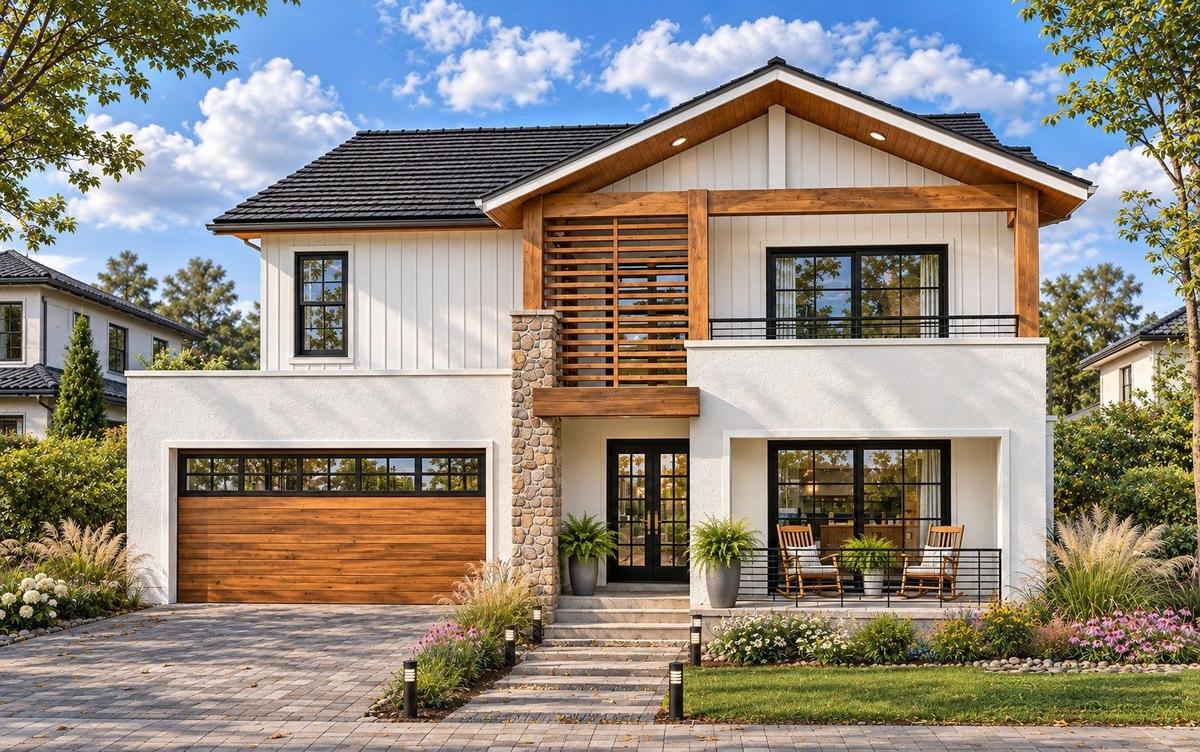
 DrawingRender
What you get
- Works with pencil sketches, marker drawings and phone photos
- Your design stays as drawn: nothing added, moved or removed
- Choose a style and lighting, or tap Quick Render
- Download, share by link or send on WhatsApp
How it works
- 1
Upload your drawing or photo
- 2
Pick a look — or tap Quick Render
- 3
Download, share or send on WhatsApp
Questions
- Does the sketch need to be neat?
- No. Clear lines help, but rough hand sketches and photos of paper work. Straighten the photo and use good light for the best result.
- Will the AI change my design?
- No. DraftechAI is built to keep the design as drawn and only add finishes, lighting and landscaping.